Operations & Hiring · Live
Noonday Scholarship Portal
End-to-end scholarship management: eligibility, applications, references, transcripts, scoring, and decisions.
Open the live app →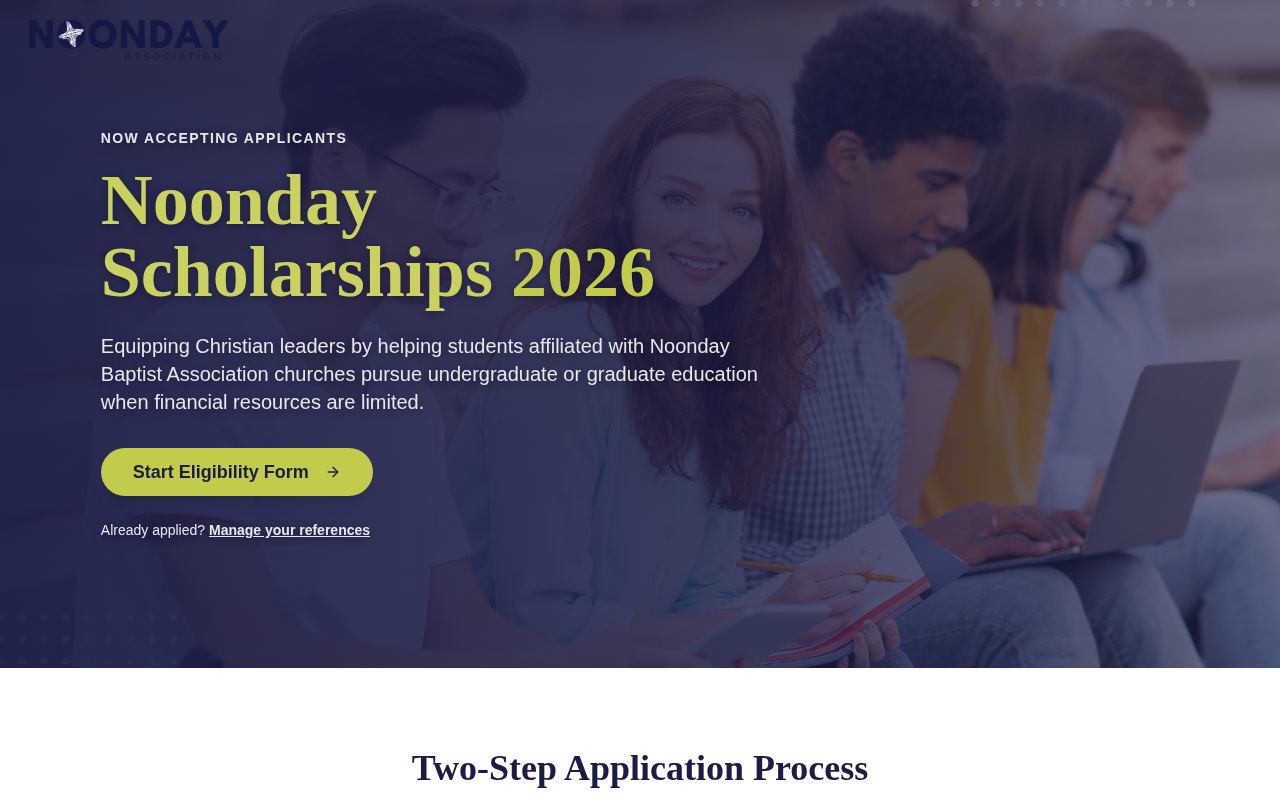
Homepage as it looks today
Status
Live
Built for
Students, recommenders, review committee, Noonday staff
Features
8 included
Runs on its own
5 automations
Executive summary
The Noonday Scholarship Portal runs the entire scholarship season. Students check eligibility, apply, and manage their own reference requests through private links — no account required. Recommenders and transcripts come in through their own secure links, and transcripts are read automatically so staff do not have to retype grades. A review team scores applications, decisions are recorded, and staff can ask an AI assistant questions about the whole pipeline, like who is still missing a reference.
What it is
A public application site plus a staff workspace for review, decisions, reception planning, communication, and user management.
Purpose for Noonday
Scholarship administration is deadline-driven and paperwork-heavy. This removes the chasing — for references, transcripts, and status updates — and gives the committee a clean, comparable set of scored applications.
Who it serves — Students, recommenders, review committee, Noonday staff
- Students applying for scholarships
- Recommenders submitting references
- The review committee scoring applications
- Staff running the season and the awards reception
Features included
- Public eligibility check and application form with saved drafts
- Private links for references, transcripts, and student self-service
- Automatic transcript reading from uploaded PDFs
- Review screens with reviewer scores
- Decision tracking for awards and the reception
- Email templates, send log, and bulk reminders
- AI chat that answers questions about applications and status
- Staff user management with invitations
How it works
- 1A student checks eligibility, then completes the application.
- 2The student enters recommenders, who receive their own private request links.
- 3Transcripts are uploaded and read automatically for grades and courses.
- 4Submissions trigger notification emails to staff and confirmations to students.
- 5The committee scores applications on the review screen.
- 6Decisions are recorded, reminders go out to anyone incomplete, and reception planning follows.
What runs automatically
- AI reads uploaded transcripts and extracts the text verbatim
- AI assistant answers pipeline questions using live application data
- Automatic reference request, resend, and bulk reminder emails from templates
- Submission notifications and status checks handled automatically
- Private access tokens let applicants act without accounts