Associations & CRM · Live
Contact Hub
Turns a pile of messy spreadsheets into one trustworthy contact list, with duplicates caught before they land.
Open the live app →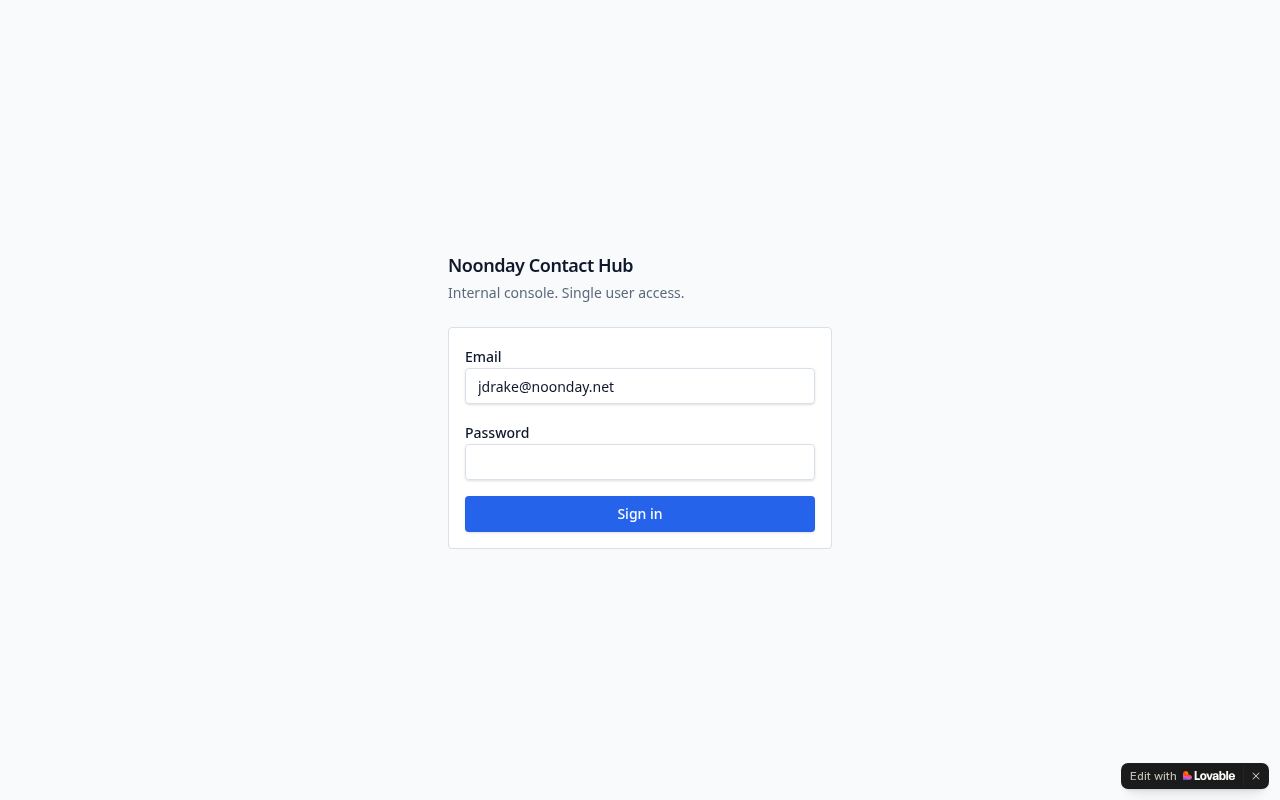
Homepage as it looks today
Status
Live
Built for
Noonday operations and data staff
Features
7 included
Runs on its own
4 automations
Executive summary
Contact Hub solves the unglamorous problem behind every other system: the same person appears in six spreadsheets with three spellings. Staff upload a file, map its columns, and the system holds the rows in a staging area first. It then scores each incoming row against existing records and sorts them into automatic matches, rows needing human review, and genuinely new people. Committed records remember which file each field came from, and a separate duplicate scan keeps the master list clean over time.
What it is
A private data-cleanup workbench with import, matching, review, duplicate resolution, and a master list of people and organizations.
Purpose for Noonday
Clean contact data is what makes the CRM, the prayer lists, and every email campaign work. Contact Hub is the front door that keeps bad data out instead of cleaning it up later.
Who it serves — Noonday operations and data staff
- Operations staff consolidating lists
- Anyone preparing data before it enters the CRM
Features included
- File import with column mapping and a staging area before anything is committed
- Automatic matching that labels each row as matched, needs review, or new
- Review queue for the rows a human must decide on
- Duplicate scanning across committed records, with merge or reject
- Field registry and field provenance: every value remembers which file it came from
- People, organizations, affiliations, memberships, tags, and segments
- Import history so any past load can be traced
How it works
- 1A staff member uploads a spreadsheet and maps its columns to standard fields.
- 2Rows land in staging, not in the live list.
- 3The matching engine scores each row against existing people and organizations.
- 4Clear matches are handled automatically; uncertain ones go to the review queue.
- 5Approved rows are committed, with the source of each field recorded.
- 6A duplicate scan runs across the master list, and staff merge or reject each pair.
What runs automatically
- Automatic name, email, and phone normalization and match scoring
- Automatic classification of every imported row
- Duplicate pair detection across the whole database
- No AI, no emails, and no scheduled jobs — this tool is deliberately deterministic