Church Growth · Live
Church Digital Audit
A free automated report card on a church's website, social media, and online listings — and the front door to paid work.
Open the live app →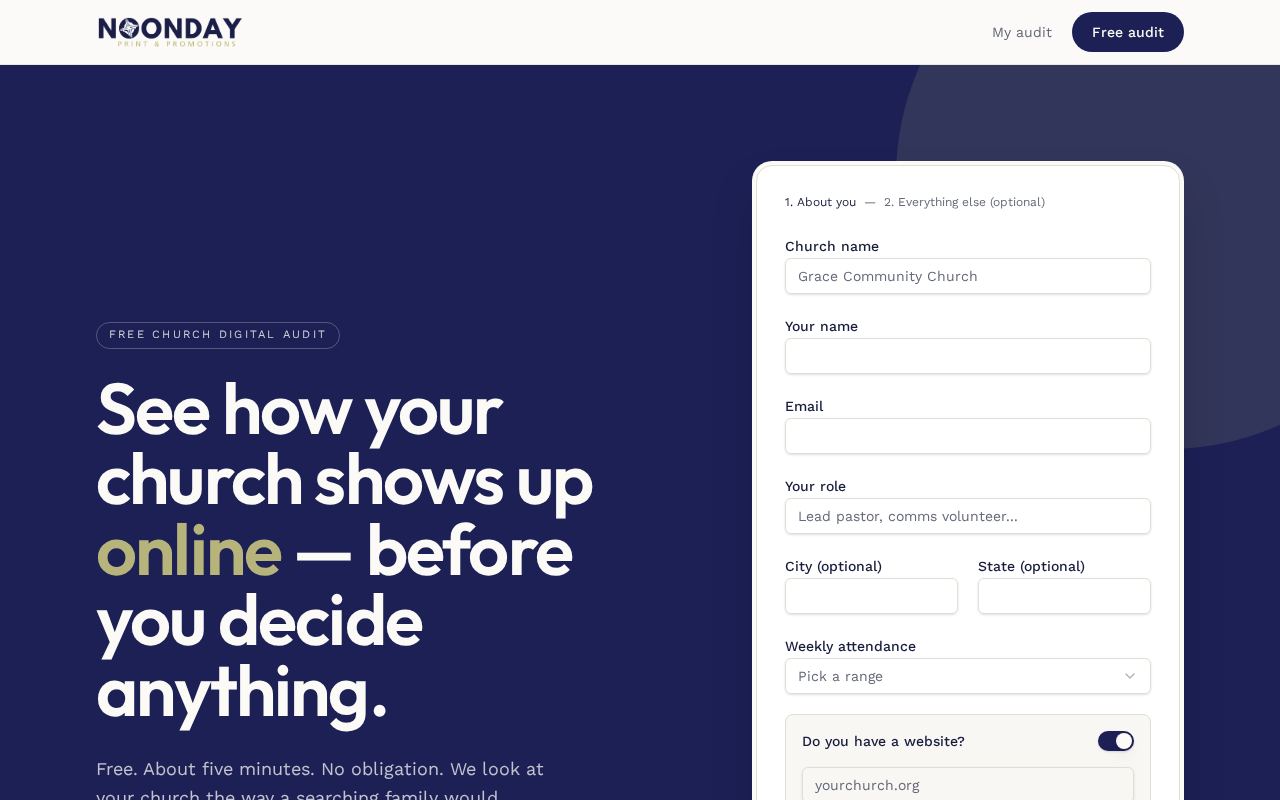
Homepage as it looks today
Status
Live
Built for
Churches, Noonday consultants and builders
Features
7 included
Runs on its own
5 automations
Executive summary
Church Digital Audit gives any church a free, honest review of its digital presence. Enter a church website and the system reads the site, takes screenshots, checks Google listings, and measures page speed. AI then judges the church against a detailed checklist and produces a scored report in five categories. The report is useful on its own, and it also opens the door to paid follow-up work: intake, copywriting, a rebuild project, payment, and reviews are all handled inside the same tool.
What it is
A public audit tool plus a private team hub. Churches receive private links to their audit, intake forms, copy feedback, and booking pages; the Noonday team works the resulting pipeline behind a login.
Purpose for Noonday
It creates qualified leads at almost no staff cost and gives Noonday a repeatable, evidence-based sales conversation instead of an opinion-based one. It then carries the same customer through delivery and payment.
Who it serves — Churches, Noonday consultants and builders
- Churches wanting to know how their online presence looks to a visitor
- Noonday consultants working the sales pipeline
- Noonday builders delivering website projects
- Admins managing rubric, availability, and settings
Features included
- Automated audit scored in five weighted areas: Find You, First Impression, What to Expect, Next Step, Everyone
- Checks across website, social media, Google listing, and ads
- Page-speed measurement and screenshots as evidence
- Private links for audit results, intake, copy feedback, voice profile, and review requests
- Booking and availability system with cancellation links
- Payments for deposits, balances, and care plans
- Team hub: churches, projects, duplicates, testimonials, availability, settings
How it works
- 1A church enters its website address on the public page.
- 2The system reads the site and screenshots it, checks the Google listing, and measures speed.
- 3AI judges each checklist item as pass, partial, fail, or unknown, with reasoning.
- 4Scores roll into the five weighted categories and a shareable report link.
- 5The church can book a call, complete intake, and review draft copy through private links.
- 6Payments and project delivery are tracked in the team hub.
What runs automatically
- Website reading, screenshots, and Google listing checks run automatically
- AI grades every checklist item and drafts rewritten copy
- Automatic email sequences to leads and clients
- Payment confirmations processed automatically through a payment webhook
- Review request links tracked when clicked