Associations & CRM · Live
Association Central CRM
A full association CRM: people, giving, events, volunteers, messaging, and an automation engine in one place.
Open the live app →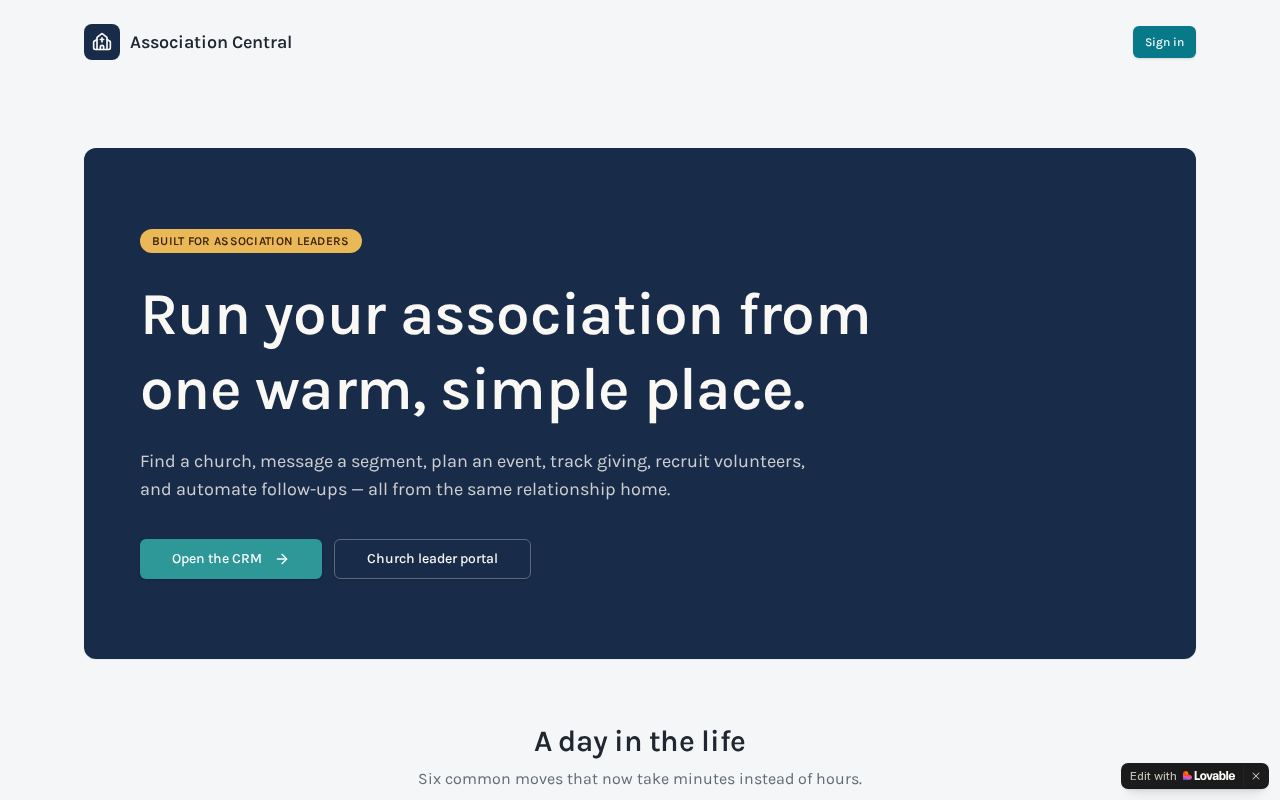
Homepage as it looks today
Status
Live
Built for
Association staff, finance, event teams, church leaders
Features
9 included
Runs on its own
4 automations
Executive summary
Association Central CRM is the most complete data system Noonday has built. It holds people and organizations, tracks giving and pledges, runs events with registration and check-in, schedules volunteers, and sends email and text campaigns. On top of that sits an automation engine where staff can build workflows — with AI help — that run on their own, and an assistant staff can ask questions of in plain language. It also syncs with outside systems such as Breeze and Mailchimp so an association is not typing the same record twice.
What it is
A private, role-based CRM built for associations of churches, with public signup and volunteer pages that member churches can link to.
Purpose for Noonday
Associations run on relationships and records, and most of them keep both in spreadsheets. This gives Noonday a single product to offer that replaces four or five disconnected tools, and gives Noonday itself a place to manage association relationships.
Who it serves — Association staff, finance, event teams, church leaders
- Association staff managing churches and people
- Finance staff tracking gifts, pledges, and funds
- Event and volunteer coordinators
- Church leaders submitting requests or registering
- The public, through registration and volunteer signup pages
Features included
- People, organizations, households, relationships, tags, and saved views
- Giving: gifts, pledges and payments, funds, campaigns, donors, acknowledgments, and reports
- Events: registrations, ticket types, waitlists, check-in, staffing, and reports
- Volunteers: opportunities, shifts, availability, board management, and check-in
- Communications: email and text templates, campaigns, segments, forms, and history
- Automation builder with a template library, approvals, run history, and failure tracking
- Plain-language assistant that answers questions about the data
- Integrations screen for Breeze and Mailchimp, with import batches and field mapping
- Roles for admin, staff, finance, event staff, and church leader
How it works
- 1Staff import or sync existing records from Breeze, Mailchimp, or spreadsheets.
- 2Day-to-day work happens on the people, organizations, giving, events, and volunteer screens.
- 3Public signup and volunteer links collect new records straight into the CRM.
- 4Campaigns go out by email or text using saved templates and segments.
- 5Automations run in the background for repeat tasks, with approvals where needed.
- 6Staff ask the assistant questions and pull reports for leadership.
What runs automatically
- Workflow automation engine with queued runs, retries, approvals, and error logs
- AI helps build automations and powers the staff assistant
- Scheduled syncs with Breeze and Mailchimp, plus an inbound Mailchimp webhook
- Email and text campaign sending with suppression handling