Websites & Events · Live
Noonday Site (Thrive Together)
Noonday's own public site, with staff portal, quarterly reporting, and a job board.
Open the live app →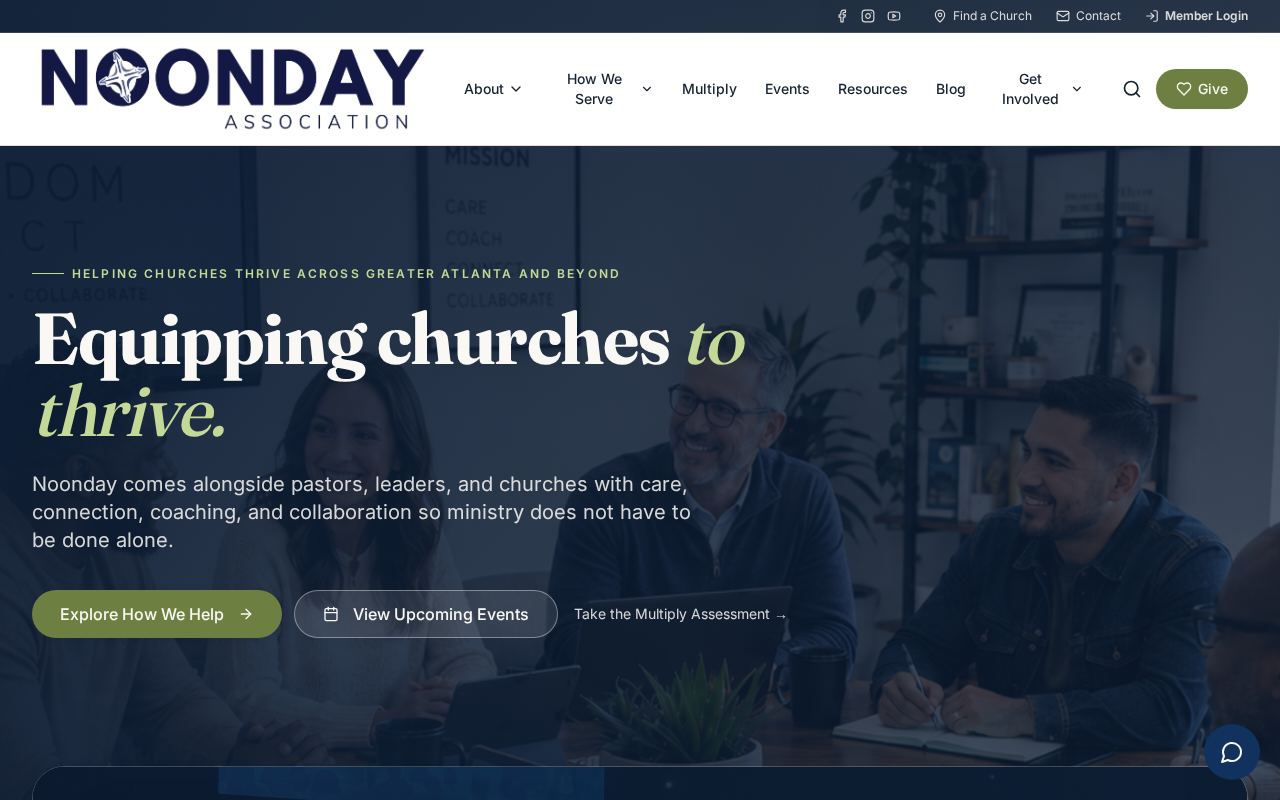
Homepage as it looks today
Status
Live
Built for
Churches, pastors, community, Noonday staff
Features
7 included
Runs on its own
5 automations
Executive summary
The Noonday site is the association's public face, organized around care, connection, coaching, and collaboration. It holds a resource library, events, blog, giving, scholarships, prayer requests, and a job board where churches post their own openings. Behind the scenes it is also a staff tool: an admin area for all the content, a staff portal, and a quarterly reporting hub where staff submit their reports. A pastoral AI assistant answers visitor questions on the public side.
What it is
A large public website plus admin, staff, and church-user dashboards on the same platform.
Purpose for Noonday
It carries Noonday's public message and doubles as the place where churches self-serve — posting jobs, submitting prayer requests and stories, applying for scholarships — instead of emailing staff.
Who it serves — Churches, pastors, community, Noonday staff
- Member churches and pastors
- Community members and prospective partners
- Churches posting and managing job openings
- Noonday staff filing quarterly reports
- Admins managing all site content
Features included
- Public pages for care, coaching, collaboration, connection, resources, events, and giving
- Job board with church-managed postings and a dashboard for posters
- Prayer requests, story submissions, and scholarship applications
- Church directory and pantry applications
- Admin area for blog, churches, events, jobs, pages, prayer, scholarships, stories, and team
- Staff portal with a quarterly report hub and forms
- AI chat assistant for visitors
How it works
- 1Visitors browse resources, events, and ministry pages.
- 2Churches create an account to post and manage job listings.
- 3Forms for prayer, stories, scholarships, and pantry applications submit into the system.
- 4Admins are notified and manage everything from the admin area.
- 5Staff sign in to the portal and file quarterly reports.
- 6The AI assistant handles common questions on the public site.
What runs automatically
- AI chat assistant answers visitor questions unattended
- Automatic admin notifications on submissions
- Church addresses geocoded automatically
- Queued email delivery with unsubscribe and suppression handling
- Newsletter signups synced to Breeze
Notes for leadership
Shares its engineering foundation with the Augusta website.