Websites & Events · Live
Multiply Summit Hub
Registration, payment, sponsorship, and the full email journey for the Summit.
Open the live app →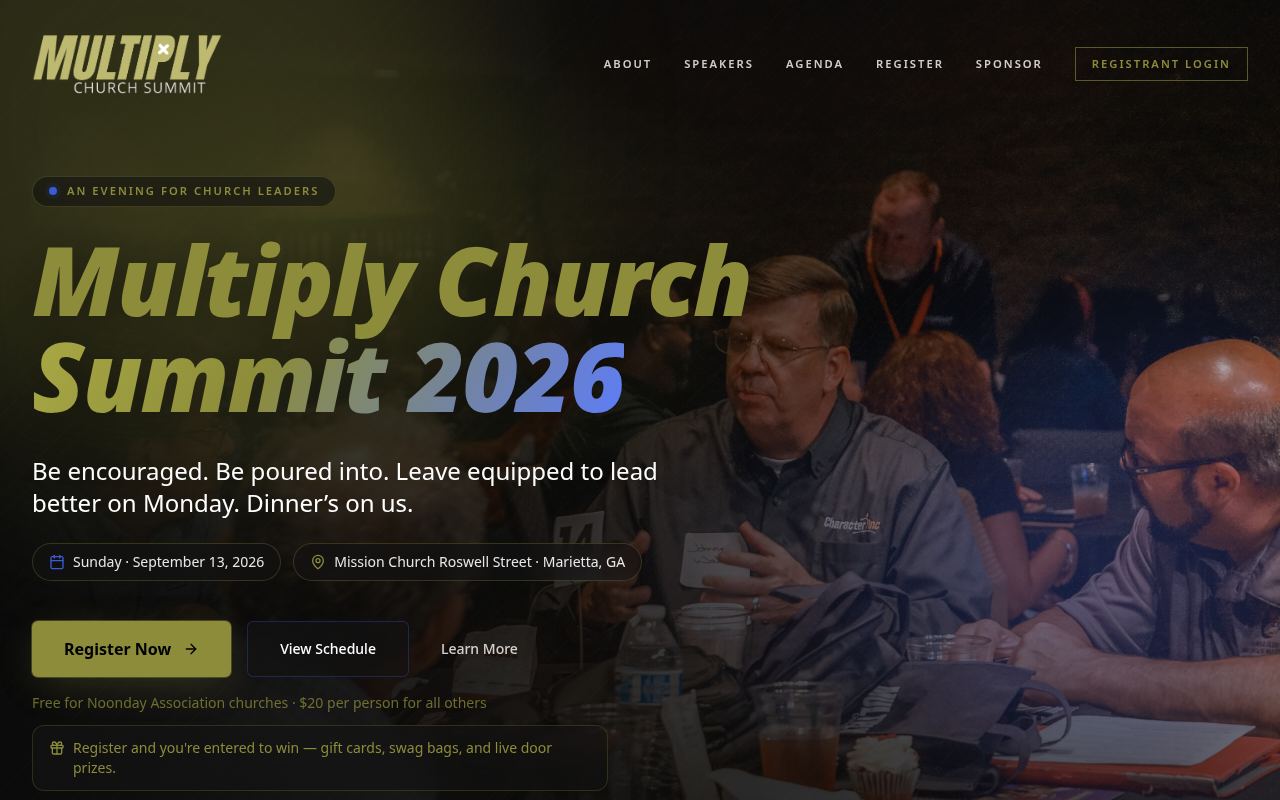
Homepage as it looks today
Status
Live
Built for
Attendees, sponsors, vendors, Summit team
Features
8 included
Runs on its own
5 automations
Executive summary
Multiply Summit Hub runs the Summit end to end. The public site carries event details, speakers, and the agenda; registration handles groups of attendees and takes payment online. Sponsors and vendors have their own path, with automatic payment reminders. Behind the login, the team sees registrations and can export them, and a full email engine handles confirmations, campaigns, sequences, and unsubscribes. Registrations also sync into the Breeze church management system so contacts are not stranded in the event tool.
What it is
A public event site plus a team portal, with online payment, sponsorship management, and a complete email marketing system.
Purpose for Noonday
The Summit is one of Noonday's largest annual touchpoints. This tool removes manual registration handling, gets sponsor money collected on time, and turns attendees into an ongoing contact list.
Who it serves — Attendees, sponsors, vendors, Summit team
- Attendees registering individually or as a group
- Sponsors and vendors
- The Summit team managing registrations and communication
- NOBA registrants using the dedicated NOBA path
Features included
- Public event site with speakers, agenda, and details
- Group registration with per-attendee records and confirmation pages
- Online payment and a separate NOBA registration path
- Sponsor interest, sponsorship tracking, and payment reminders
- Team portal with registration views and CSV export
- Attendee self-service links
- Email engine: contacts, tags, sequences, campaigns, journeys, and suppression
- Unsubscribe handling and email asset management
How it works
- 1An attendee browses the site and starts registration.
- 2They add each attendee in their group and pay online.
- 3Payment confirmation triggers a confirmation email and record update.
- 4Sponsors submit interest and are tracked, with reminders sent if payment is outstanding.
- 5Registrations sync into Breeze as contacts.
- 6The team works the portal, exports lists, and runs email sequences and campaigns.
What runs automatically
- Online payment confirmed automatically through a payment webhook
- Automatic confirmation and campaign emails through a managed email queue
- Sponsor payment reminders sent automatically
- Registrations synced to Breeze without rekeying
- Automatic unsubscribe and suppression handling