Care & Prayer · Live
Helping Hands Hub
The benevolence case system: clients, households, assistance requests, and annual reporting.
Open the live app →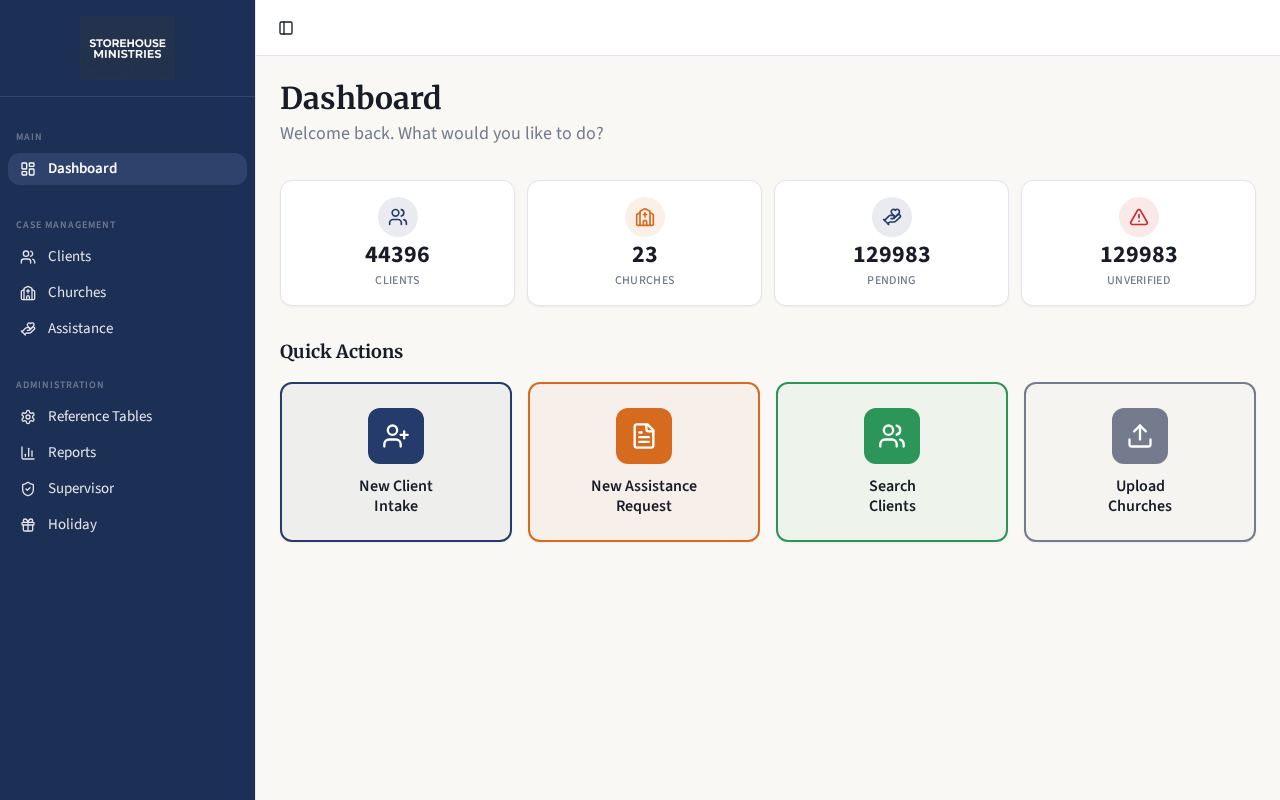
Homepage as it looks today
Status
Live
Built for
Noonday and church benevolence staff and supervisors
Features
8 included
Runs on its own
4 automations
Executive summary
Helping Hands Hub is the working file cabinet for assistance ministry. Staff record a client and their household, log each request for food, financial, or utility help, and move it through verification to a decision. Churches are mapped to the ZIP codes they serve, so a request can be routed to the right congregation. Reference lists, memos, verification notes, and a holiday program module round it out, and an annual summary report shows leadership what the ministry actually did.
What it is
An internal staff tool with client records, assistance case tracking, church service areas, reference data, reporting, and a supervisor view.
Purpose for Noonday
Benevolence work carries real accountability: who was helped, how often, by whom, and with what verification. This replaces paper and spreadsheets with one searchable record and a reportable history.
Who it serves — Noonday and church benevolence staff and supervisors
- Intake staff and volunteers recording clients
- Case workers processing assistance requests
- Supervisors reviewing decisions and flags
- Leadership reading annual reports
Features included
- Client records with household members and history
- Assistance requests for food, financial, and utility help, moving from pending to verified, resolved, or denied
- Church records with ZIP-code service areas
- Reference lists for cities, utilities, relationships, marital status, payment method, and other agencies
- Memos, verification notes, and a restricted-client list
- Holiday programs for Thanksgiving and Christmas
- Reports page with annual client summary and CSV export
- Volunteer activity statistics
How it works
- 1A client is entered at intake, with household members and identifying details.
- 2The system checks for existing records to avoid duplicates.
- 3An assistance request is opened and matched to a serving church by ZIP code.
- 4Staff verify the need and record notes and any memos.
- 5The request is resolved or denied and stays in the client's history.
- 6Leadership pulls annual summaries and exports for reporting.
What runs automatically
- Church routing by ZIP code service area
- Built-in annual summary calculation for reporting
- Duplicate and eligibility checks based on stored flags
- No emails, scheduled jobs, or AI in this tool
Notes for leadership
This tool holds sensitive information (partial Social Security digits and benefit-program flags) and currently has no sign-in gate in the application code. Adding a login should be the next priority for this build.